Государство
Основание государства
Как основать государство с помощью Учредительной грамоты: требования, выбор территории, сведения о государстве и первые действия правителя.
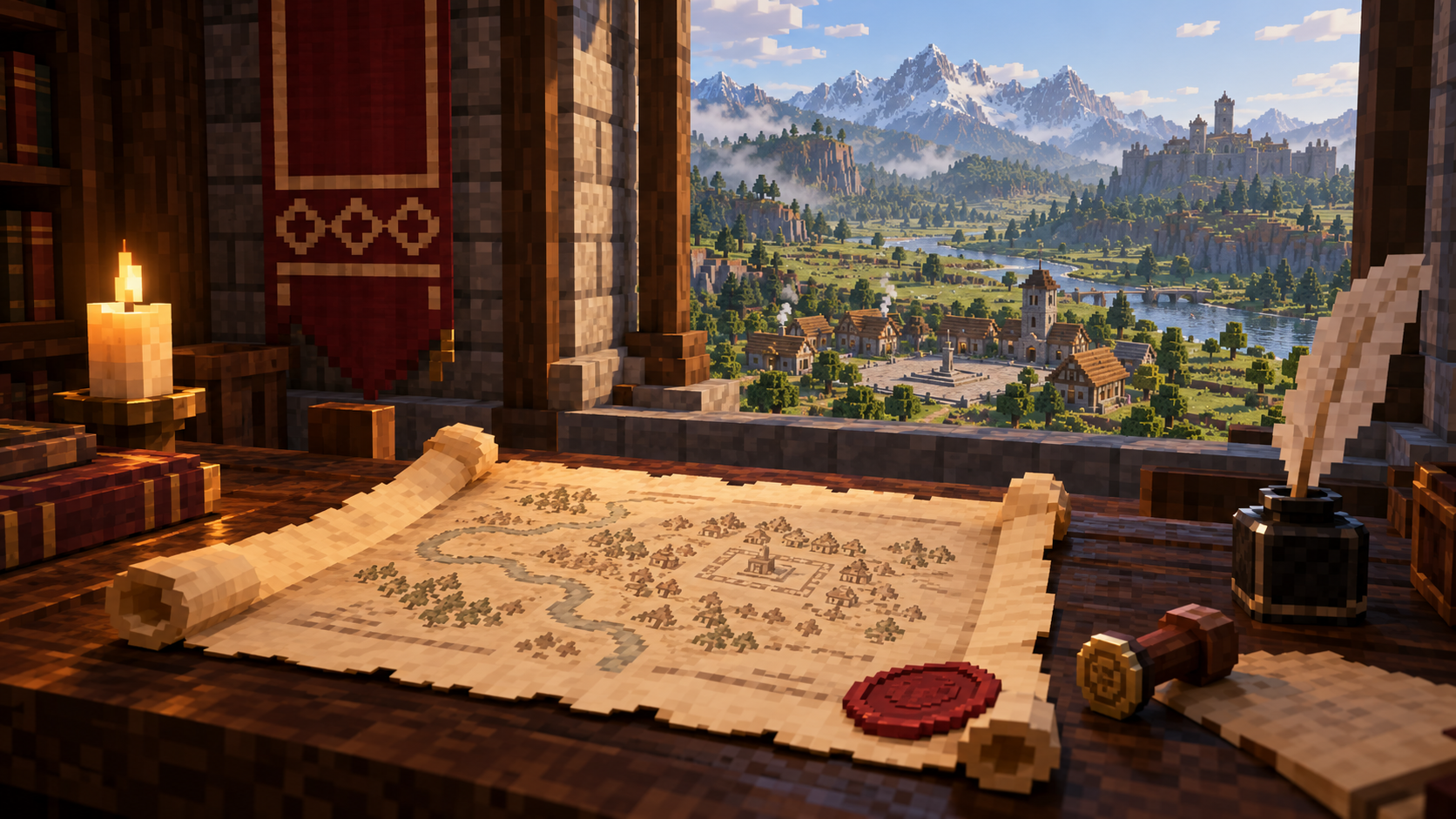
Учредительная грамота
Учредительная грамота открывает мастер основания государства. Возьмите её в руку и используйте. До подтверждения можно возвращаться к предыдущим шагам и менять сведения. В обычном режиме грамота расходуется только после успешного основания; в творческом режиме предмет сохраняется.
Условия основания
Основатель не должен состоять в другом государстве. Полное название и сокращение должны быть свободны. Место основания также проходит проверку: начальная территория не должна пересекаться с владениями соседей или нарушать установленный между ними промежуток.
Центром территории станет положение игрока в момент подтверждения. Поэтому сначала выберите место, а затем завершайте создание. Размер начального участка зависит от настроек мира или сервера; мастер показывает его перед основанием.
Название и форма правления
В начале задаются полное название, сокращение и краткое описание. Полное название должно содержать от 3 до 80 знаков, сокращение — от 2 до 8. Сокращение сохраняется в верхнем регистре. Описание может быть пустым; его максимальная длина — 240 знаков.
Далее укажите название столицы длиной от 2 до 32 знаков и выберите форму правления. Доступны королевство, империя, княжество, герцогство, республика, вольный город, теократия, магократия и племенной союз.
Учредительная грамота открывает мастер основания государства. Возьмите её в руку и используйте. До подтверждения можно возвращаться к предыдущим шагам и менять сведения. В обычном режиме грамота расходуется только после успешного основания; в творческом режиме предмет сохраняется.
Условия основания
Основатель не должен состоять в другом государстве. Полное название и сокращение должны быть свободны. Место основания также проходит проверку: начальная территория не должна пересекаться с владениями соседей или нарушать установленный между ними промежуток.
Центром территории станет положение игрока в момент подтверждения. Поэтому сначала выберите место, а затем завершайте создание. Размер начального участка зависит от настроек мира или сервера; мастер показывает его перед основанием.
Название и форма правления
В начале задаются полное название, сокращение и краткое описание. Полное название должно содержать от 3 до 80 знаков, сокращение — от 2 до 8. Сокращение сохраняется в верхнем регистре. Описание может быть пустым; его максимальная длина — 240 знаков.
Далее укажите название столицы длиной от 2 до 32 знаков и выберите форму правления. Доступны королевство, империя, княжество, герцогство, республика, вольный город, теократия, магократия и племенной союз.
Государственное знамя
В мастере выбираются три цвета: основа знамени, первый узор и дополнительная эмблема. Затем отдельно задаются узор и эмблема из доступного набора. На последних шагах можно посмотреть результат и вернуться назад, если сочетание не подходит.
Подтверждение
Последний экран показывает название, форму правления, столицу, описание, знамя и размер начальной территории. Проверьте сведения и своё положение в мире, затем нажмите «Основать государство». Учредительная грамота должна оставаться в руке.
После успешного основания создатель становится правителем. Ему выдаются Печать правителя и Паспорт, а государство получает начальную казну согласно настройкам мира или сервера. Открывается регистрация Центральной площади.
Если государство не создаётся
Сообщение о членстве означает, что игрок уже состоит в государстве. Ошибка названия или сокращения требует выбрать свободный вариант. Если рядом находится чужая территория, смените место основания. При сообщении о незаполненных сведениях проверьте полное название, сокращение и название столицы.
Если мастер просит взять грамоту в руку, верните предмет в одну из рук и повторите подтверждение. После отказа сервера грамота не расходуется.
Первый шаг правителя
Откройте стратегический режим — по умолчанию клавишей G. Во вкладке «Строительство» выберите Центральную площадь и начните разметку. Если клавиша переназначена, используйте своё назначение из настроек управления.
В мастере выбираются три цвета: основа знамени, первый узор и дополнительная эмблема. Затем отдельно задаются узор и эмблема из доступного набора. На последних шагах можно посмотреть результат и вернуться назад, если сочетание не подходит.
Подтверждение
Последний экран показывает название, форму правления, столицу, описание, знамя и размер начальной территории. Проверьте сведения и своё положение в мире, затем нажмите «Основать государство». Учредительная грамота должна оставаться в руке.
После успешного основания создатель становится правителем. Ему выдаются Печать правителя и Паспорт, а государство получает начальную казну согласно настройкам мира или сервера. Открывается регистрация Центральной площади.
Если государство не создаётся
Сообщение о членстве означает, что игрок уже состоит в государстве. Ошибка названия или сокращения требует выбрать свободный вариант. Если рядом находится чужая территория, смените место основания. При сообщении о незаполненных сведениях проверьте полное название, сокращение и название столицы.
Если мастер просит взять грамоту в руку, верните предмет в одну из рук и повторите подтверждение. После отказа сервера грамота не расходуется.
Первый шаг правителя
Откройте стратегический режим — по умолчанию клавишей G. Во вкладке «Строительство» выберите Центральную площадь и начните разметку. Если клавиша переназначена, используйте своё назначение из настроек управления.
State
Founding a state
How to found a state using a Founding Charter: requirements, choosing a location, setting up its identity and the ruler’s first steps.
The Founding Charter
The Founding Charter opens the state-founding wizard. Hold it in your hand and use it. Before confirming, you can return to earlier steps and change the details. In normal play, the charter is consumed only after the state is successfully founded; in Creative mode, it is kept.
Requirements
The founder must not belong to another state. Both the full name and abbreviation must be available. The location is checked as well: the initial territory must not overlap neighbouring states or breach the required gap between their territories.
Your position at the moment of confirmation becomes the territory’s centre. Choose the location before completing the wizard. The initial area’s size depends on world or server settings and is shown before confirmation.
Name and government
First, enter a full name, an abbreviation and a short description. The full name must contain 3–80 characters and the abbreviation 2–8. The abbreviation is stored in uppercase. The description is optional and can contain up to 240 characters.
Next, enter a capital name of 2–32 characters and select a government form. The available choices are Kingdom, Empire, Principality, Duchy, Republic, Free City, Theocracy, Magocracy and Tribal Union.
The Founding Charter opens the state-founding wizard. Hold it in your hand and use it. Before confirming, you can return to earlier steps and change the details. In normal play, the charter is consumed only after the state is successfully founded; in Creative mode, it is kept.
Requirements
The founder must not belong to another state. Both the full name and abbreviation must be available. The location is checked as well: the initial territory must not overlap neighbouring states or breach the required gap between their territories.
Your position at the moment of confirmation becomes the territory’s centre. Choose the location before completing the wizard. The initial area’s size depends on world or server settings and is shown before confirmation.
Name and government
First, enter a full name, an abbreviation and a short description. The full name must contain 3–80 characters and the abbreviation 2–8. The abbreviation is stored in uppercase. The description is optional and can contain up to 240 characters.
Next, enter a capital name of 2–32 characters and select a government form. The available choices are Kingdom, Empire, Principality, Duchy, Republic, Free City, Theocracy, Magocracy and Tribal Union.
The state banner
The wizard lets you choose three colours: the banner’s base, its first pattern and an additional emblem. The pattern and emblem are then selected separately from the available set. The later steps show a preview, and you can go back to change the combination.
Confirmation
The final screen shows the name, government form, capital, description, banner and initial territory size. Check the details and your position in the world, then press the button to found the state. The Founding Charter must still be held in one of your hands.
After successful founding, the creator becomes the ruler and receives a Ruler Seal and Passport. The state receives a starting treasury determined by world or server settings. Registration of the Central Square becomes available.
If founding fails
A membership message means that you already belong to a state. A name or abbreviation conflict requires an available alternative. If another state’s territory is too close, choose a different location. If details are missing, check the full name, abbreviation and capital name.
If you are asked to hold the charter, put it back in either hand and confirm again. A rejected founding attempt does not consume it.
The ruler’s first step
Open strategic mode with G, its default key. In the Construction tab, select the Central Square and begin marking its area. If you have rebound the key, use the binding shown in your controls settings.
The wizard lets you choose three colours: the banner’s base, its first pattern and an additional emblem. The pattern and emblem are then selected separately from the available set. The later steps show a preview, and you can go back to change the combination.
Confirmation
The final screen shows the name, government form, capital, description, banner and initial territory size. Check the details and your position in the world, then press the button to found the state. The Founding Charter must still be held in one of your hands.
After successful founding, the creator becomes the ruler and receives a Ruler Seal and Passport. The state receives a starting treasury determined by world or server settings. Registration of the Central Square becomes available.
If founding fails
A membership message means that you already belong to a state. A name or abbreviation conflict requires an available alternative. If another state’s territory is too close, choose a different location. If details are missing, check the full name, abbreviation and capital name.
If you are asked to hold the charter, put it back in either hand and confirm again. A rejected founding attempt does not consume it.
The ruler’s first step
Open strategic mode with G, its default key. In the Construction tab, select the Central Square and begin marking its area. If you have rebound the key, use the binding shown in your controls settings.